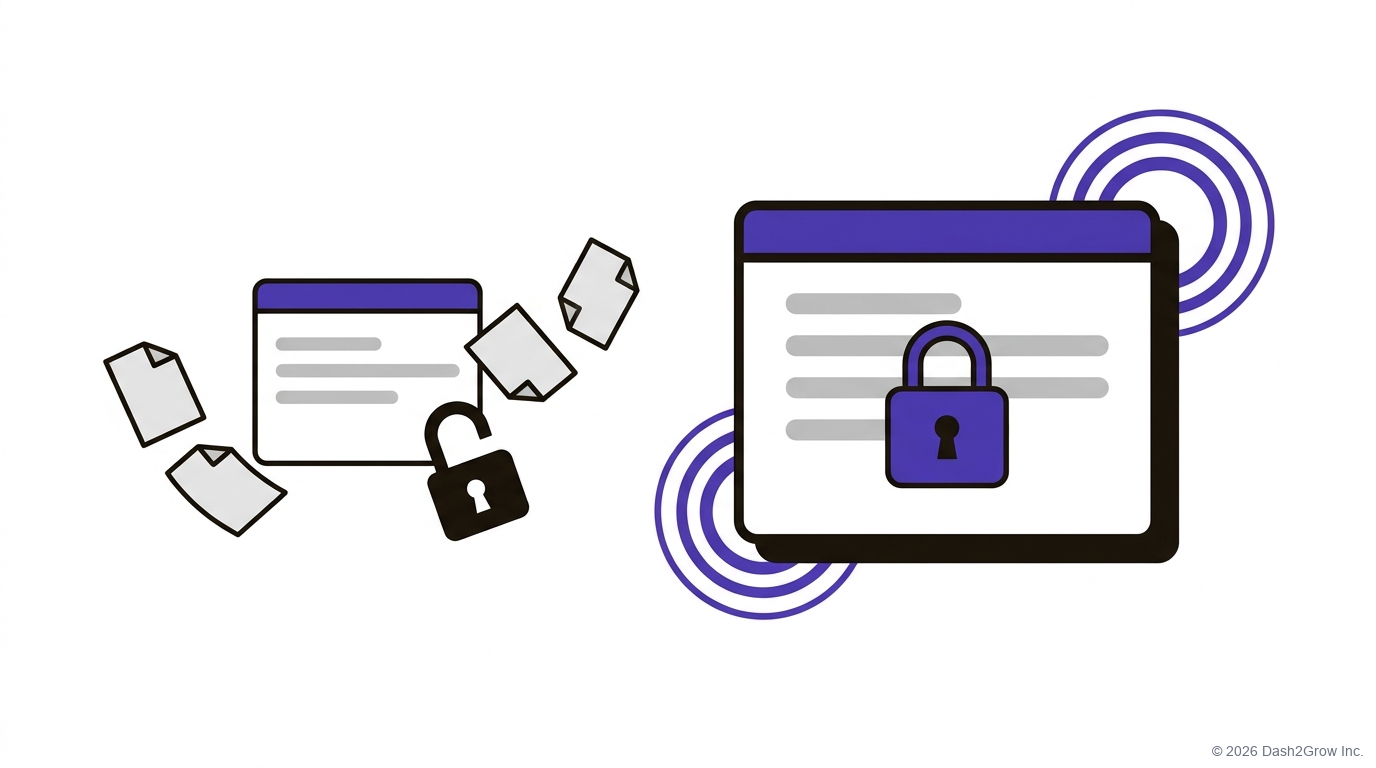
Your free AI accounts are the real risk, not the AI itself.
I’ve talked with over 50 CMOs, mostly at B2B companies, from 50-person firms to the Fortune 500. Data comes up in almost every one of those talks. Someone in legal or compliance has asked a fair question: what happens to our data when we paste it into ChatGPT?
Here’s the short answer. It depends on the plan you pay for, and on a few settings most people never check. Get those right and most of the fear goes away. Then the real work can start.
Does ChatGPT use my company’s data to train its models?
On the personal plans (Free, Plus and Pro), OpenAI says it may use your chats to train its models. On ChatGPT Business, Enterprise and the API, it says it does not train on your data by default. So the same tool follows different rules, depending on the plan you pay for.
The other big tools work the same way:
- ChatGPT. OpenAI’s enterprise privacy page states it plainly: “We do not train our models on your data by default.”
- Claude. Anthropic says that since August 2025, people on its Free, Pro and Max plans choose whether their chats help train its models. If they opt in, Anthropic keeps the data for up to five years. If they don’t, it’s 30 days. Its Team, Enterprise and API products are not used for training by default.
- Gemini. On a personal Google account, chats can be used for training while activity is saved, and some are read by human reviewers. With Gemini for Google Workspace, Google says it does not use your data for training without your permission.
For most companies, a paid business plan is the usual way to keep your data out of training by default. That’s the first box to tick.
Which AI tool should my marketing team invest in?
It’s the question I hear most. My answer is always the same: the one you can get approved fastest, and then how deep your team goes on it. Tools don’t solve problems on their own. The hard work is using them at each step of your real processes.
Step 1: Read the privacy terms, the fast way
You don’t have to read every policy line by line. I use NotebookLM, which Google now also calls Gemini Notebook. It takes a web page as a source, so you can paste in the links to a vendor’s privacy policy and terms of use.
Then ask it this:
“Summarize what these terms say about training, data retention and who can see our data, and where they are silent.”
You get a short brief, built from the vendor’s own words, that you can share inside the company. Check it against the source before you send it. Load the terms for the plan you actually pay for, because they differ by plan.
Step 2: Start with the work that has nothing to leak
Compliance might still say no to customer data, and that’s fine. A lot of useful marketing work never touches anything private. Make a list of it:
- Public content. Have AI review and tighten blog posts and web pages that are already live.
- Search work. Keyword research and search-friendly edits to public pages.
- Public documents. Sales sheets, brochures and anything else already out in the world.
If the data is public, there’s very little to leak. Your team can start this week while the bigger conversation with compliance happens. And when you do need a real example, strip out the client’s name and details first. A case study can lose the names and still teach the lesson.
Step 3: Get compliance to yes
Bring your compliance team three things: the summary from Step 1, your low-risk list from Step 2, and one real task you can show them working. Legal and compliance teams may not have used these tools much themselves, so seeing one work can do more than any memo. Agree on a date to check back, too. Vendors change these terms often.
It also helps to know where the law is heading. The EU AI Act sorts AI uses by risk. A tool that screens job applicants counts as high-risk. Most everyday marketing uses aren’t on the Act’s high-risk list, though transparency rules can still apply. The Act became law in August 2024 and its rules are arriving in stages. The European Commission says most high-risk rules will now apply from December 2027. If you sell into Europe, it’s worth a read.
How do I get my team past the fear?
Start with the part of the job they hate most. I’ve trained a lot of people, and my favourite moment is watching someone go from sitting on the fence, pointing at hallucinations and security as reasons not to trust AI, to doing the work better. Better research. Better creation. Better review.
The method is simple. Break a task into its steps. Hand AI the step you hate the most. Start small, build momentum, and spread it across the whole process.
What doesn’t work is the big idea: “I’m going to build one agent that replaces me.” That’s the wrong way to build, and the wrong way to think about it.
Your SOPs are your head start
Teams with well-detailed SOPs do really well with AI. They’ve already done the heavy lifting: the steps are written down, so they can use AI at each one.
The same goes for brand. Many teams already have a well-designed design system, with their fonts, their colours and how they use images. That makes turning AI into a brand asset easy now.
Keep it safe as you scale
Once you’re moving, keep three habits:
- Tell compliance first. When you add a tool, or a vendor changes its terms, let them know before they find out.
- Keep training. The tools change fast. Regular training keeps skills sharp and keeps the team learning together.
- Check the AI’s work. Have something review what the AI produces before it ships. I wrote about why in AI was supposed to replace us. Instead, AI needs AI to check it.
Dash2Grow is your curated library of AI building blocks for marketing and GTM teams: prompts, skills, agents and automations.
Questions CMOs often ask me about LLM privacy
Is the free version of ChatGPT safe for work?
Only for public information. On the personal plans, OpenAI may use your chats for training unless you turn off “Improve the model for everyone” in Settings > Data controls. Don’t paste in customer data, plans or anything under NDA.
Can I just turn off training on my own account?
You can, and you should. But that’s one setting on one person’s account. A business plan sets the default for the whole company, which is usually what compliance wants to see.
Does the EU AI Act apply to my marketing team?
Most everyday marketing uses aren’t on the Act’s high-risk list, though transparency rules can still apply. Hiring tools and a few other areas carry stricter rules. If you work in Europe, ask your legal team which of your tools are in scope.
What data should never go into an AI tool?
Customer personal data, contracts, unreleased financials and anything under NDA, unless your company’s plan, your policy and your privacy obligations clearly allow it.
Where do I start if compliance has said no?
With Step 2. Public content has very little to leak, so you can start this week and build trust from there.
Start small, then keep going
Get the right plan. Read the terms. Then hand AI the part of the job your team hates most, and let the momentum spread across the whole process. One task at a time beats one agent that’s meant to replace you.
A quick note: I checked each vendor’s terms in October 2026. They change often, so check the terms for your own plan. This post shares what I’ve seen working with teams, not legal advice.